%20(1)-B86R08ZzwhPzS6UZbG3mSxRWPCwGwn.png)


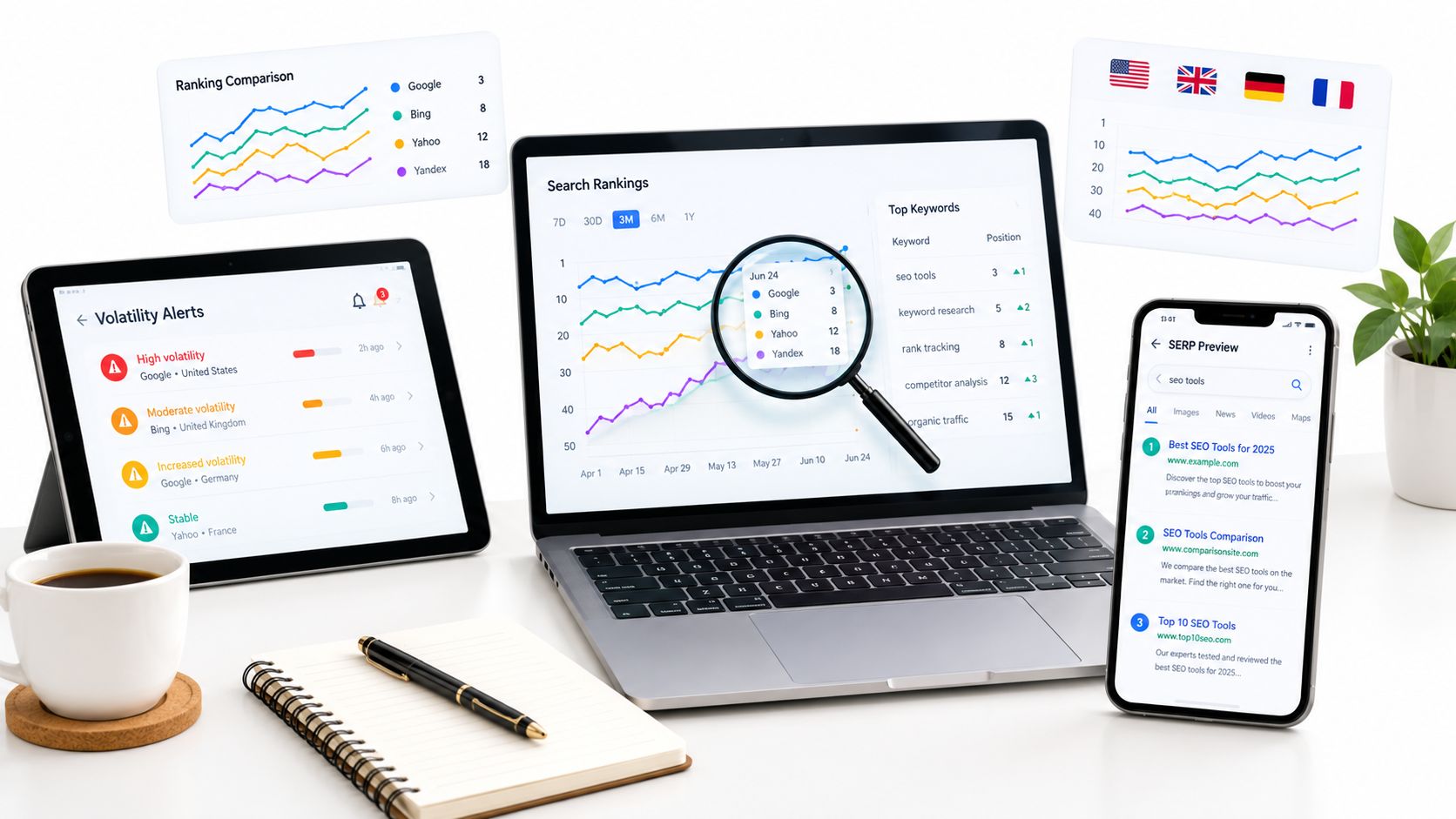
A SERP tracking tool can't rescue a tracking system built on inconsistent keywords, locations, devices, or reporting rules. If one project tracks “CRM software” nationally on desktop while another tracks city-level mobile queries, their ranking charts aren't comparable, no matter how polished the dashboard looks.
I compare these tools by the workflows they support in practice. That means defining a monitoring scope, capturing rank history, investigating volatility, mapping the ranking URL, and turning meaningful changes into content updates or client-ready reports. The right choice depends on whether you need an integrated SEO suite, specialist tracking speed, enterprise-scale exports, local precision, multi-engine coverage, or AI visibility.
Historical context matters. SERP tracking has moved from manual spot checks to longitudinal systems that preserve ranking changes and SERP snapshots over time. One documented archive stores more than 14.2 million snapshots across a 15-year date range, while another tool records keyword ranking history back to 2015. That history is what lets me distinguish a temporary fluctuation from cannibalization, an algorithm change, or a competitor taking a valuable result.
Table of Contents
- 1. SemDash
- 2. Ahrefs Rank Tracker
- 3. Semrush Position Tracking
- 4. STAT Search Analytics
- 5. AccuRanker
- 6. SE Ranking Rank Tracker
- 7. ProRankTracker
- 8. Advanced Web Ranking
- 9. Nightwatch
- 10. SERPWatcher
- Top 10 SERP Trackers, Feature Comparison
- Build a Tracking Workflow You Will Trust
1. SemDash
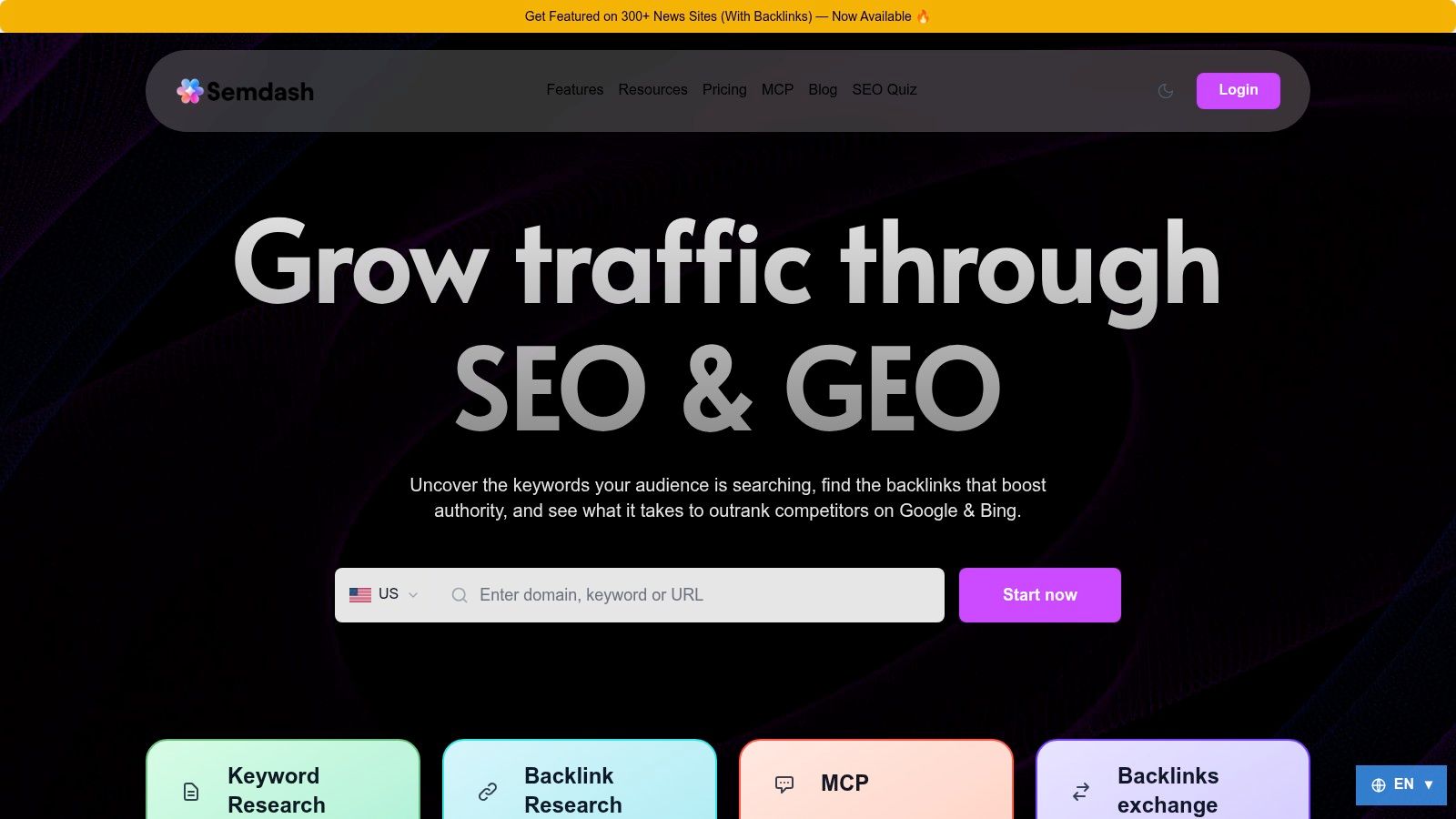
A high ranking is weak evidence if you cannot explain which URL earned it, how that result changed, or what appeared around it. SemDash fits teams that want SERP research, competitor analysis, content planning, and rank investigation in one cloud workspace. Its SERP Checker provides a 12-month history with ranking URLs and position changes. That URL-level record can expose a page switch from a product page to a blog article, or from one site section to another, even when the headline position looks stable.
SemDash reports dataset sizes of 6.6 billion Google keywords updated monthly, a 2.7 trillion-link backlink index with daily crawls, and 600 million refreshed SERPs on its own product pages. Treat those figures as vendor claims and verify coverage in your niches before changing tools. In practice, the data can support competitor keyword-gap research, top-page discovery, backlink-gap prioritization, and long-tail or People Also Ask research before queries enter a tracking campaign.
Where SemDash works best
Its strongest workflow connects diagnosis to the next action. I can review the ranking URL, compare historical SERP changes, classify intent, create an AI-assisted brief, and examine competitor pages without moving between several specialist tools. Keyword clustering also reduces a common tracking error: adding similar queries without deciding which page should own the topic.
SemDash tracks AI Overviews citations, including queries that trigger domain mentions and the exact URLs cited. That adds a visibility layer that standard blue-link tracking can miss. A page may hold its position while attention shifts to an AI Overview, People Also Ask result, or another SERP element. Citation mapping gives the content team a specific URL and query to review.
Practical rule: Track the query, position, SERP features, and ranking URL together. A position number without that context rarely gives enough direction for an update.
The trade-off is coverage validation. Some users report smaller keyword pulls than category leaders for particular queries, while large agencies may need more advanced bulk, multi-domain workflows. Test representative niches, localization needs, export limits, and client-reporting requirements before replacing an incumbent. SemDash suits specialists, agencies, content marketers, and growth teams that want historical SERP analysis, competitor reverse-engineering, backlink recovery, and AI visibility in one workspace.
2. Ahrefs Rank Tracker
Ahrefs makes sense when rank tracking needs to sit beside serious backlink and keyword research. Ahrefs Rank Tracker monitors desktop and mobile Google rankings across more than 190 locations, with competitor comparisons, SERP feature presence, Share of Voice, dashboards, and report-builder widgets.
I'd choose it for a team that already uses Ahrefs to investigate links, competing pages, and keyword opportunities. The value isn't just the ranking chart. When a page loses visibility, I can move into backlink history, referring domains, competing URLs, and keyword-level research without rebuilding the analysis elsewhere.
The useful trade-off
The platform is strongest as an integrated research environment, not necessarily as the leanest specialist tracker. Its Rank Tracker data can feed dashboards and optional API workflows, which helps when an internal reporting system already relies on Ahrefs data. Documentation and the surrounding research tools also reduce the amount of process-building required.
The cost can be harder to justify if rank tracking is the only requirement. Pricing has increased over time, and the appropriate plan depends on keyword, project, and reporting limits. I'd avoid buying the full suite solely to watch a small set of rankings. If the same subscription will support backlink analysis, competitor discovery, and content research, the broader workflow is much easier to defend.
3. Semrush Position Tracking
Semrush Position Tracking is a practical choice for teams already embedded in the Semrush ecosystem. Semrush Position Tracking supports custom keyword sets, including terms outside its existing database, and combines daily tracking by device and location with visibility, Share of Voice, competitor overlays, Local Pack monitoring, and other SERP features.
I use visibility metrics when a client report needs to explain the direction of an entire topic set rather than list every individual movement. A single ranking change can be noise. A coordinated shift across tracked commercial terms, the same device, and the same market deserves investigation.
Why the surrounding suite matters
Semrush connects Position Tracking with broader research, audits, Google Analytics, and Google Search Console workflows. That makes it useful when the next step after a ranking decline is to check impressions, landing-page behavior, technical issues, or competitor content within the same environment.
The weakness is operational complexity. Semrush's packaging has changed, including Semrush One tiers, and the structure can be difficult to evaluate from a feature list. Per-seat and plan costs may also add up. I'd write down the exact number of campaigns, locations, devices, users, reporting destinations, and integrations before purchasing. This is a strong integrated-suite choice, but it isn't the obvious answer for a team that only needs fast, clean rank refreshes.
4. STAT Search Analytics
STAT Search Analytics is built for the point where a ranking workflow becomes an operational data system. STAT Search Analytics targets enterprise teams managing large keyword sets, multiple sites, many regions, heavy exports, and BI integrations. Its daily tracking covers local and mobile environments, while flexible API access supports automated data movement.
I'd shortlist STAT when analysts need consistent parsing, large competitor sets, enterprise onboarding, and a dependable export layer. The question isn't whether the interface has every familiar SEO feature. The question is whether the platform can feed the organization's reporting, analytics, and decision-making systems without constant manual intervention.
What enterprise buyers should test
I'd test location definitions, mobile result parsing, competitor configuration, API response structure, historical access, and failure handling before signing a large contract. A rank tracker can look excellent in a demo and still create expensive cleanup if exports don't match the warehouse schema or if campaign naming doesn't align with reporting teams.
STAT's pricing is custom and generally higher than SMB-oriented tools. Procurement usually involves sales rather than a simple self-serve checkout. That's a disadvantage for a small consultancy, but it can be appropriate for a multi-brand organization that values support, onboarding, and automation more than a low entry price.
5. AccuRanker
AccuRanker is the specialist choice when refresh speed and precise localization outrank research breadth. AccuRanker focuses on fast refreshes, on-demand checks, local and global tracking, and a clear interface designed for reactive SEO work.
I'd use it during a migration, a major content release, or an update investigation when waiting for the next scheduled collection makes the workflow less useful. On-demand checking also helps validate whether a suspected movement is visible in the configured market rather than relying on a personalized manual search.
A clean tracker with a deliberate scope
AccuRanker's transparent, volume-based pricing makes capacity easier to plan than a broad suite with several intertwined limits. Its stakeholder-facing interface is useful when a client wants a quick view of winners, losers, local movements, or the current state of a keyword group.
The limitation is scope. AccuRanker isn't intended to replace a full keyword research, backlink, or technical audit workflow. I'd pair it with a research platform if the team needs competitor gaps, link prospecting, content briefs, or site diagnostics. That isn't a flaw. It's the central trade-off, specialist speed in exchange for a narrower toolset.
A fast rank refresh is valuable only when the keyword, device, location, and interpretation rules were fixed before the refresh.
6. SE Ranking Rank Tracker
SE Ranking offers a balanced option for teams that want rank tracking alongside research, audits, backlinks, and agency reporting. SE Ranking supports daily tracking by device and location, competitor overlays, SERP feature change flags, local and Google Business Profile tracking, and connections with GA4, Google Search Console, Looker Studio, and automation tools.
I'd put it on an agency shortlist when the team wants broad functionality per subscription rather than a pure tracker. White-label reporting and agency add-ons, including the Agency Pack and API access, make it easier to create repeatable client workflows.
The workflow fit
The useful pattern is simple. Create a project around a client or site, define device and location variants, add competitors, connect first-party data, and send the output into a recurring report. That gives an agency a workable operating layer without forcing every client into a separate specialist product.
The trade-off is plan variability. Pricing and limits can differ by currency, region, and plan generation, so I'd confirm keyword capacity, update frequency, user access, API terms, and white-label inclusions at checkout. SE Ranking is a good value-oriented platform, but teams should assess the exact package rather than assume every advertised capability belongs to every tier.
7. ProRankTracker
ProRankTracker is a dedicated tracker for agencies and consultants that need daily top-100 monitoring, local and Maps coverage, video tracking, update-on-demand controls, and client reporting. ProRankTracker also offers tracking for AI Overviews, AI Mode, and LLM prompts and answers, which gives it a broader visibility model than a traditional blue-link-only tracker.
The agency features are the practical draw. White-label reporting, Looker Studio integration, higher-tier unlimited white-label reports, and a purpose-built MyRanks mobile app make it easier to provide clients with access without exposing the internal operating process.
Where it earns a place
I'd consider ProRankTracker when reporting is the product. A consultant can maintain focused term sets, refresh data when a client asks about a change, and provide a mobile-friendly view without buying a complete SEO suite.
The limitation is research depth. It won't replace a substantial keyword database, backlink index, content research system, or technical audit platform. I'd keep another tool for discovery and diagnosis, then use ProRankTracker as the monitoring and reporting layer. The navigation can also feel busier than lighter trackers, so I'd give new users a defined view and naming convention rather than expecting them to learn every report immediately.
8. Advanced Web Ranking
Advanced Web Ranking is the most natural fit here for teams that need multi-engine coverage and long-running archives. Advanced Web Ranking tracks Google, YouTube, Bing, Yahoo, DuckDuckGo, and other engines, with local and mobile support, scheduling from daily to on-demand, automated reporting, and historical visibility.
I'd choose AWR for a multi-engine program where Google isn't the only meaningful discovery channel. The same campaign structure can support different engines and markets, which is cleaner than maintaining disconnected trackers for every platform.
Strong archives, more plan decisions
AWR works well for agency reporting and large keyword counts, particularly when historical comparisons matter. Unlimited users and projects on many tiers can also make the product easier to distribute across account teams and clients.
The pricing ladder and update-frequency options require careful review. Keyword quotas, engines, refresh schedules, and reporting access may sit in different plan boundaries. I'd model the actual campaign rather than compare a headline plan price. AWR is cost-efficient at higher volumes, but a small team may find the configuration more involved than necessary.
9. Nightwatch
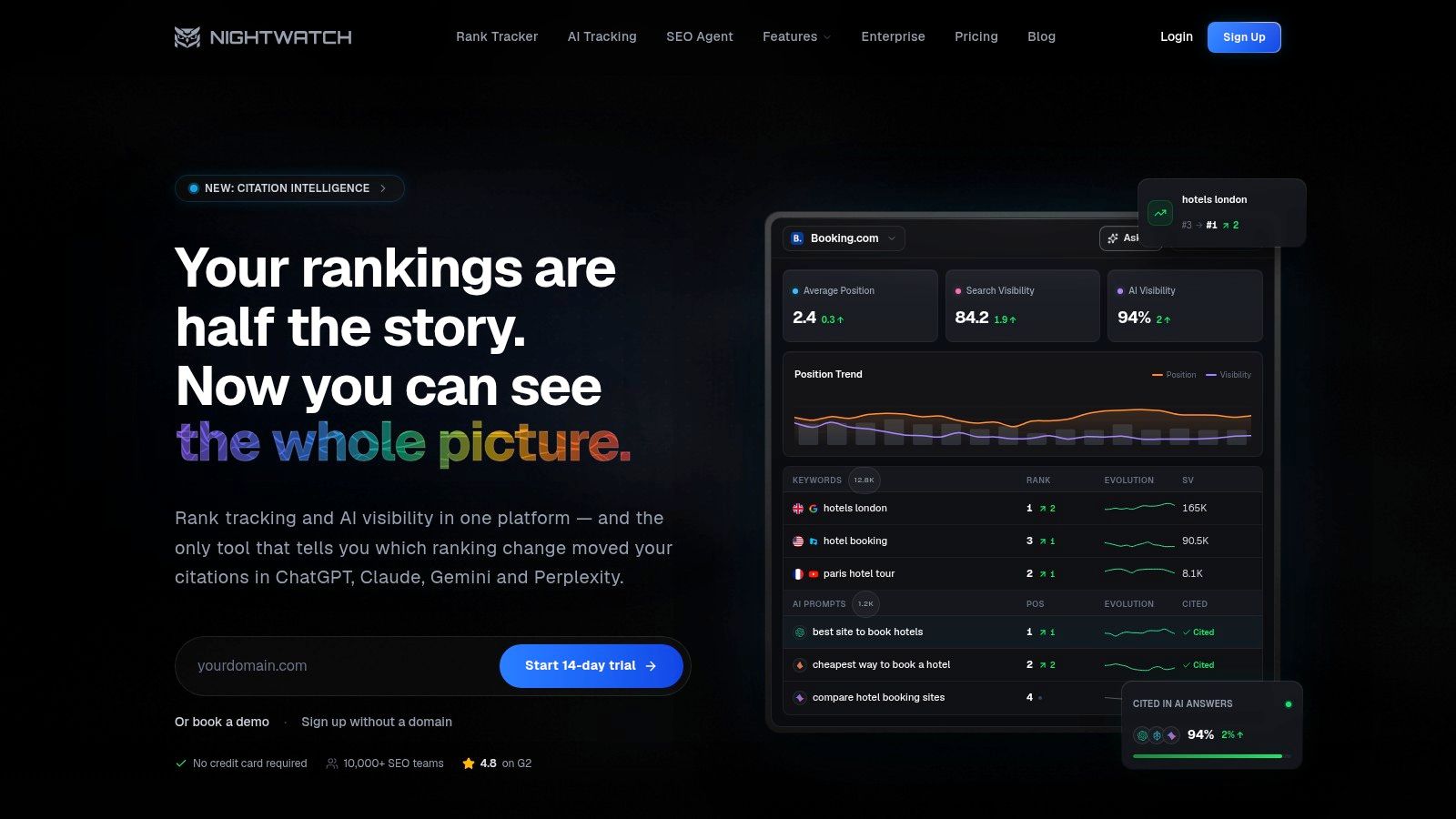
Nightwatch is designed for agencies and teams that want a tracker-centric product with local coverage, on-demand checks, AI visibility, and unlimited seats. Nightwatch supports daily tracking, local coverage across more than 190 countries, AI prompt and answer tracking with quotas determined by plan, multi-assistant visibility, Looker Studio integration, and three-year SERP archives.
The no-per-seat model is useful for larger delivery teams. SEO strategists, account managers, analysts, and clients can access the same environment without every additional user changing the cost structure. That makes Nightwatch attractive when reporting collaboration matters as much as the raw rank table.
AI visibility without abandoning SERP basics
I'd use Nightwatch when a client asks for both conventional ranking movement and visibility in AI answers. The AI layer should still be interpreted alongside landing-page performance, query intent, and citation-level changes. A mention isn't automatically a business outcome, and a flat blue-link chart doesn't prove that visibility stayed stable.
Teams building a broader diagnostic process may also want a separate live inspection workflow. A live SERP checker can help validate what a result page looks like at a particular moment, while Nightwatch provides the scheduled archive and reporting layer.
The main trade-off is breadth. Nightwatch is less of a full research and audit suite than an integrated platform such as Semrush or SemDash. Currency and exact totals vary by checkout configuration, so I'd validate AI quotas, locations, archives, and export requirements before committing.
10. SERPWatcher
SERPWatcher is the rank-tracking component of the Mangools bundle. SERPWatcher supports desktop, mobile, and local tracking, competitor monitoring, tags, white-label reports, interactive sharing, and agency workflows. It also sits beside KWFinder, SERPChecker, LinkMiner, and SiteProfiler, which gives small teams lightweight research without the complexity of a large enterprise suite.
The product is easy to hand to a non-specialist. A small business owner can understand the main trend, a consultant can organize terms with tags, and an agency can share a branded report without building a custom dashboard from scratch.
The limit is update cadence
SERPWatcher is sold only as part of Mangools, not as a standalone tracker. Lower tiers use weekly updates, while the Agency plan provides daily updates. That can work for a health check, but it isn't ideal for a campaign where I need to diagnose a rapid change, validate a release, or monitor a volatile local query.
For a smaller team, the simplicity may be more valuable than advanced automation. I'd pair it with first-party performance data and a deeper SERP inspection process when a ranking change needs explanation. Mangools also has a SERP SEO checker that can help clarify what appears on the results page, but SERPWatcher remains the cleaner choice for straightforward recurring monitoring.
Top 10 SERP Trackers, Feature Comparison
| Tool | Core features | Unique strengths ✨ | UX / Quality ★ | Target audience 👥 | Price / Value 💰 |
|---|---|---|---|---|---|
| SemDash 🏆 | Keyword (6.6B), Backlinks (2.7T), SERP history, URL-level mapping, AI briefs | ✨ URL-level mapping; AI Overviews; unlinked mentions & broken-link recovery | ★★★★☆ fast, clean UI | 👥 SEO teams, agencies, content marketers | 💰 Affordable + free tier; optional paid services |
| Ahrefs, Rank Tracker | Daily rank tracking (190+ locations), SERP features, Share of Voice | ✨ Deep keyword & backlink DB; tight research integration | ★★★★★ mature & reliable | 👥 Agencies, in-house SEO, data-driven teams | 💰 Premium, higher cost |
| Semrush, Position Tracking | Daily device/location tracking, Local Pack, custom keyword sets, GA/GSC integrations | ✨ Strong visibility & SERP-feature monitoring across suite | ★★★★★ feature-rich | 👥 Teams already on Semrush | 💰 Premium; complex packaging |
| STAT Search Analytics (Moz) | Enterprise-scale daily tracking, API, exports & BI integrations | ✨ Built for very large keyword sets and automation | ★★★★☆ enterprise-grade | 👥 Large agencies & enterprise brands | 💰 Custom enterprise pricing |
| AccuRanker | Very fast refreshes, on‑demand checks, high-location precision | ✨ Speed & freshness; transparent volume pricing sliders | ★★★★☆ ultra-fast | 👥 Agencies needing reactive tracking | 💰 Volume-based, transparent |
| SE Ranking, Rank Tracker | Daily tracking, SERP feature flags, local/GBP, integrations & white-label | ✨ All-in-one value + agency add-ons (white‑label, API) | ★★★★ value-oriented | 👥 SMBs, agencies seeking budget suite | 💰 Cost-effective per feature |
| ProRankTracker | Top‑100 daily tracking, local/video, on‑demand, white‑label reports | ✨ AI Mode, mobile app (MyRanks), agency controls | ★★★★ practical & client-ready | 👥 Agencies & consultants | 💰 Term-based pricing; agency-friendly |
| Advanced Web Ranking (AWR) | Multi-engine (incl. YouTube), scheduling, deep archives, automated reporting | ✨ Multi-engine breadth & long historical archives | ★★★★ cost-efficient at scale | 👥 Large portfolios, agencies, multi-engine teams | 💰 Efficient for high keyword counts |
| Nightwatch | Daily + on‑demand updates, AI/assistant visibility, unlimited seats | ✨ AI visibility metrics; no per-seat fees; 3‑yr SERP archive | ★★★★ modern & scalable | 👥 Agencies & growing teams | 💰 Predictable pricing for teams |
| SERPWatcher (Mangools) | Desktop/mobile/local tracking, competitor tracking, bundled research tools | ✨ Beginner-friendly UI; value bundle with KWFinder, LinkMiner | ★★★★ easy to use | 👥 Small teams, beginners | 💰 Budget-oriented bundle (weekly updates on low tiers) |
Build a Tracking Workflow You Will Trust
The best SERP tracking tool is the one that preserves your decisions, not the one with the longest feature page. Start by defining tracked queries by intent and target page. A commercial query, an informational query, a branded query, and a local service query shouldn't automatically share the same alert threshold or reporting interpretation.
Lock the device, location, language, and search engine before collecting a baseline. Record the exact project settings and don't change them casually. A ranking movement caused by switching from desktop to mobile isn't an SEO movement. Neither is a comparison between a national campaign and a city-level campaign.
Google Search Console should remain part of the workflow because its Performance report exposes clicks, impressions, average CTR, and average position, with breakdowns by query, page, and country in the default reporting environment. The default view covers three months, as documented in Google's Search Console Performance report guidance. Use that data to determine whether a ranking change affected impressions, clicks, CTR, or only the average position.
Don't rely on Search Console alone for long-range analysis. Its retention is limited to 16 months, so longer historical comparisons require an external archive or tracking system, as discussed in coverage of Search Console retention. A tool that stores its own SERP history can show whether the same result page changed before, during, and after a suspected update.
Diagnose movement before changing content
When volatility appears, inspect the historical SERP rather than immediately rewriting the page. Check whether competitors moved together, whether a SERP feature appeared, whether the search intent changed, and whether your own ranking URL changed. If a product page was replaced by a guide, the issue may be cannibalization or intent mismatch. If impressions remain stable but clicks fall, the problem may be SERP layout or CTR rather than a ranking loss.
Broad volatility dashboards can also hide narrow regional or vertical changes. Independent research on local SERPs analyzed 28,000 grid snapshots across 500 local keywords and found correlations between local query behavior and broader SERP volatility, with high-intent examples such as “dentist near me” and “roofing contractor” showing correlations of r = 0.33 to 0.36. That evidence is available in the local SERP volatility analysis. The operational lesson is simple. Segment by market and intent before deciding that a national average explains your client's result.
Match the stack to the reporting job
Choose an integrated suite when strategy, competitor research, audits, and rank tracking belong in one workspace. Choose a specialist tracker when refresh speed, clean localization, and reactive checks matter most. Choose STAT or AWR when APIs, archives, multi-brand portfolios, and BI exports define the workflow. Choose ProRankTracker, SE Ranking, Nightwatch, or SERPWatcher when client access, white-label reporting, and dashboard delivery carry more weight.
SemDash is particularly relevant for teams that want historical SERP analysis, exact ranking URL mapping, competitor research, content planning, and AI Overviews visibility in one workspace. I'd still validate keyword coverage, location requirements, export behavior, and bulk workflows against a representative project before switching. The broader market is moving toward cloud delivery, with cloud platforms accounting for 78.3% of keyword rank tracking software revenue in 2025, according to the market analysis from DataIntelo. That trend supports flexible access, but it doesn't remove the need to test the actual workflow.
Finally, connect rankings to business actions. A movement should lead to a defined response, such as reviewing intent, consolidating competing pages, updating a stale section, improving internal links, checking technical accessibility, or changing the reporting note. If the tool can't help the team make that decision, a larger keyword count won't fix the process. For a broader view of available platforms, this SaaS founder's ranking tools resource can provide another starting point, but the final choice should come from your own query set and reporting requirements.
SemDash brings historical SERP analysis, URL-level ranking maps, competitor keyword and backlink research, content briefs, and AI Overviews citation visibility into one practical workspace. If you want to test that workflow against your own projects, visit SemDash and start with the queries, locations, devices, and ranking URLs that matter most to your team.